





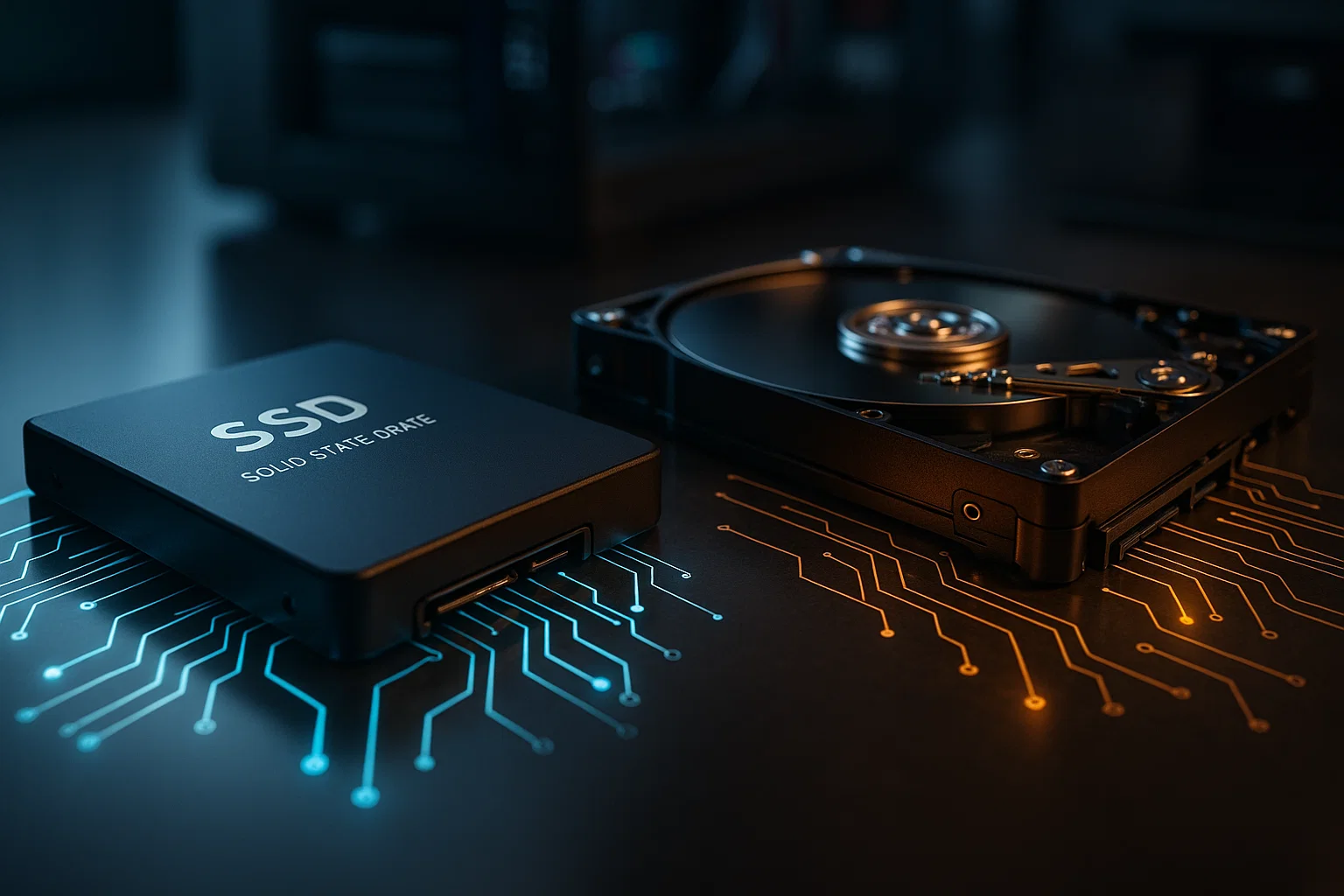
SSD vs HDD: Cost vs Performance Analysis for 2026

As we move deeper into 2026, the conversation around storage technology continues to evolve rapidly. Whether you are a gamer, a content creator, a business owner, or an everyday laptop user, choosing the right storage drive has a noticeable impact on your overall computing experience. With the rising demands of modern applications, from AI tools to 8K video editing, understanding the difference between SSD vs HDD has never been more important. Many buyers still face the same question: Is the lower cost of HDDs worth the sacrifice in performance, or are SSDs now affordable enough to be the clear winner for nearly every type of user? This detailed guide explores cost trends, speed improvements, long-term reliability, real-world use cases, and storage market insights to help you make a smarter, future-proof decision.
The Evolution of Storage in 2026
Storage technology has come a long way from the early mechanical hard drives that dominated the 1990s and 2000s. Today, SSDs powered by NAND flash and controllers from brands like Samsung, Western Digital, Crucial, and Kingston are significantly faster and more durable. HDDs from Seagate and Toshiba remain popular for bulk storage, but the gap between SSD vs HDD performance and price is shifting at a pace faster than anyone expected. As more apps demand instant data access, SSDs continue to take over the mainstream market.
SSD vs HDD Speed Comparison: Why Performance Still Favors SSDs
Speed remains the number one reason many users switch to SSDs. A traditional HDD uses spinning platters and a moving read and write head, which limits overall responsiveness. Even at high RPMs, it simply cannot match the almost instant data retrieval of an SSD. Modern NVMe SSDs use PCIe Gen4 and Gen5 interfaces from brands like Samsung and Corsair, delivering blazing-fast read and write speeds that dramatically improve system responsiveness. When comparing SSD vs HDD in everyday use, SSDs load programs faster, boot in seconds, and eliminate lag in resource-intensive workflows. Even budget SATA SSDs outperform HDDs by a wide margin, making them ideal for upgrading older PCs without spending much. HDDs still work fine for long-term storage, but when it comes to active tasks such as gaming, editing, compiling, or multitasking, SSDs dominate.
Cost Trends in 2026: Are SSDs Finally Cheaper?
Price has always been the primary advantage HDDs held over SSDs. However, the market in 2026 looks very different from five years ago. Thanks to advanced manufacturing from companies like Micron and SK Hynix, SSD production costs have dropped significantly. Large capacity models are now more affordable, and consumers can find what they need without breaking the bank. HDDs still offer the lowest cost per terabyte, especially in models above 8TB made by Seagate. But the price difference is no longer as dramatic as before. A few years ago, buyers would choose HDD storage simply because SSDs were too expensive. Today, consumers can find high-quality drives with the label Best SSD for sale when searching online, proving that competitive pricing has finally arrived. The shift shows how SSDs are taking over budget and midrange builds.
SSD vs HDD Reliability and Durability in Modern Systems
Users often ask whether SSDs last longer than HDDs. In most real-world cases, the answer is yes. HDDs contain moving parts that wear down over time. A single drop or impact can damage internal components, causing data loss. This makes HDDs more vulnerable, especially for portable devices such as laptops. SSDs have no mechanical parts, so they resist shocks and vibrations more effectively. Modern SSDs also include wear leveling, error correction, and smart health tracking to help manage data more efficiently. However, both SSDs and HDDs can fail if misused. Heat, power surges, and poor handling can affect long-term reliability. Still, based on industry benchmarks and user experiences, SSDs remain the more durable option for frequent use, operating in tougher environments, or traveling regularly with your device.
SSD vs HDD Use Cases for Different Types of Users
Understanding which drive best fits your needs is essential. The choice depends on your workflow, budget, storage capacity requirements, and whether speed matters more than cost.
Gamers and Creative Professionals
Gamers benefit significantly from SSDs. Newer titles from developers like Ubisoft, Rockstar Games, and Activision require fast asset streaming. An SSD eliminates stuttering and reduces load times, making gaming smoother. Creative professionals working with 4K to 8K video editing in Adobe Premiere Pro or DaVinci Resolve also gain major advantages from SSD performance. File transfers, timeline scrubbing, and previews all respond instantly with the right SSD. HDDs can store large project archives, but active project files perform best on SSDs.
Business Users and Office Workflows
Business laptops and office desktops gain noticeable improvements from SSDs due to faster boot times, instant app loading, and better performance with cloud sync tools such as OneDrive and Google Drive. HDDs may still serve as backup storage, but SSDs are ideal for daily tasks. Companies upgrading old systems often choose SSDs because they extend the life of existing hardware at an affordable cost.
Gamers and Home Users on a Budget
Even for budget users, SSDs provide excellent value. A small SSD for the operating system and a larger HDD for bulk storage creates a good hybrid setup. Users with big movie collections, photos, or downloaded games may still lean toward HDDs for cost efficiency. However, the massive speed difference makes SSDs the preferred option for anything involving day-to-day activities.
Energy Consumption: SSDs Are More Power-Efficient
One often overlooked factor in the SSD vs HDD discussion is energy consumption. HDDs require power to spin disks, which increases heat and drains laptop batteries faster. SSDs consume less power, generate less heat, and maintain cooler operating temperatures. This improves laptop battery life and reduces wear on other components such as the CPU and GPU. For data centers and enterprise environments, lower power consumption translates to cost savings and environmental benefits.
Storage Capacity Considerations in 2026
While SSD prices have fallen, HDDs still dominate in extremely large capacities such as 12TB, 16TB, and 20TB models used in servers or media production houses. SSDs above 8TB are still more expensive, but the gap continues to narrow each year. For everyday users, 1TB and 2TB SSDs are now mainstream, making them viable for laptops, desktops, and gaming consoles. External SSDs from brands like SanDisk and WD also offer fast portable storage for photographers and video creators. HDDs remain an affordable option for large archives, backups, and network-attached storage solutions.
SSD vs HDD Future Outlook
Industry analysts predict that SSD dominance will continue into 2027 and beyond. As flash memory density increases and new technologies arrive, SSD pricing will drop further. HDDs will still have a role in enterprise backups and high-capacity storage, but consumer devices are rapidly shifting away from them. Many laptop manufacturers, including Dell, HP, and Lenovo, now release models without any HDD options. Desktop builders also prefer SSDs due to better gaming performance and noise-free operation. With AI applications growing and data requirements expanding, users demand instant access to large datasets. SSDs meet this need with ease, while HDDs struggle to keep up with modern performance standards.
Conclusion
Choosing between SSD vs HDD in 2026 comes down to understanding your budget and performance needs. SSDs clearly outperform HDDs in speed, durability, energy efficiency, and everyday responsiveness. Meanwhile, HDDs still remain a cost-effective solution for massive storage requirements and long-term data archiving. For most consumers, SSDs are now the better investment, especially as prices continue dropping. Whether you are upgrading an old PC or building a powerful new system, SSD technology delivers smoother performance and a more enjoyable computing experience. While HDDs still have their place for bulk storage, the future belongs firmly to SSDs.